
frogPass
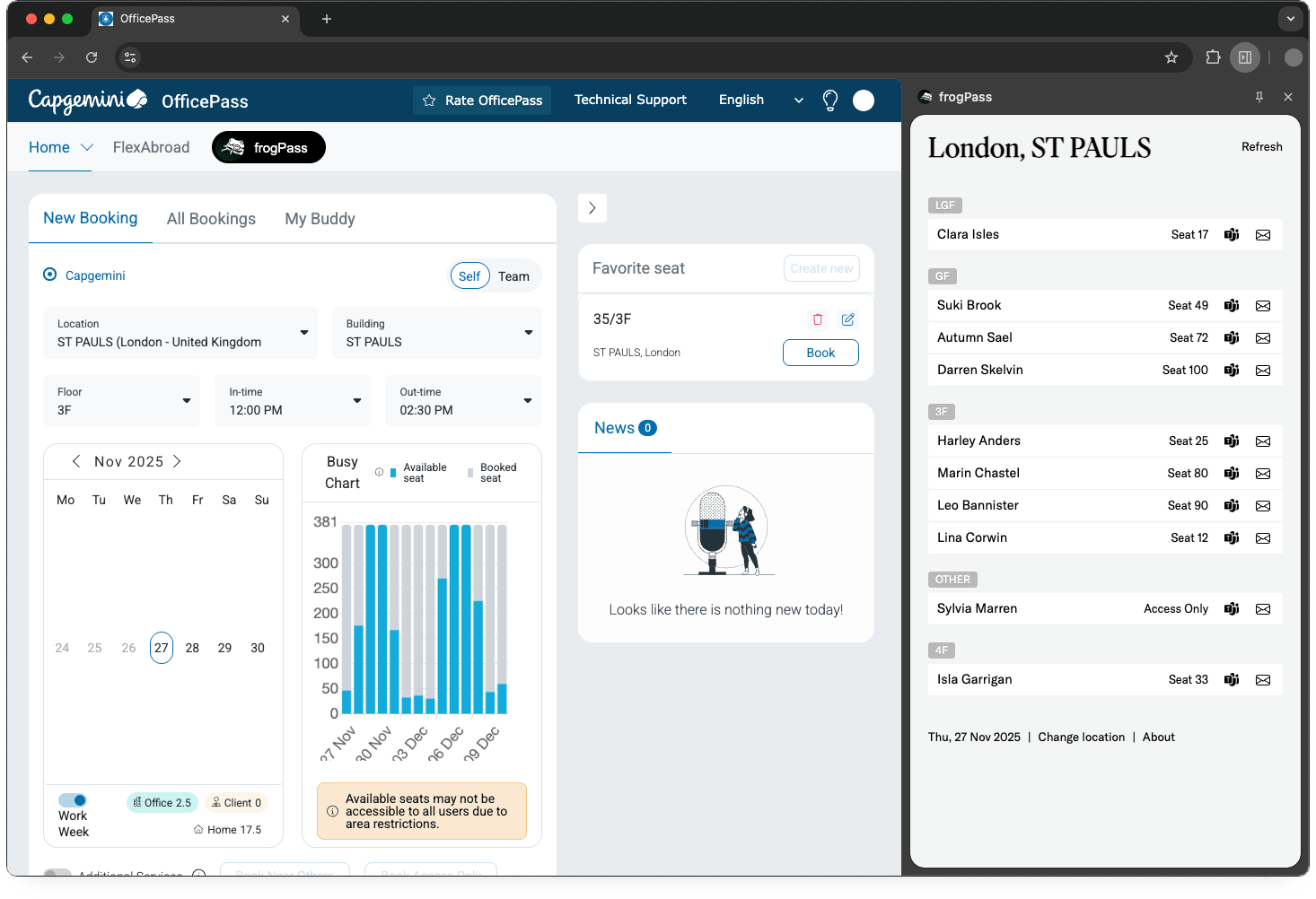
An extension for frog's in the office.
An extension for frog's in the office.
Install for:
Download the latest version of the extension and unzip the file.
(This unzipped folder is where Chrome will load the extension, you should not delete it.)
Press the Extensions menu button:

Press Manage Extensions:

Enable Developer mode:

Drag the unzipped folder into Chrome's Extension page.
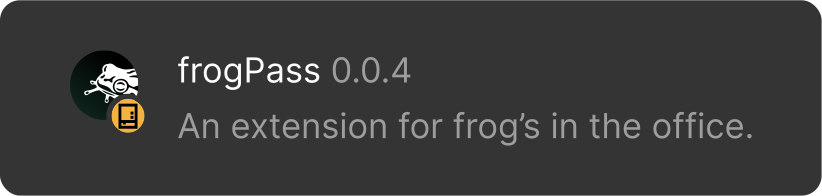
Once installed, frogPass will appear in the extension list:

Download the latest version of the extension and unzip the file.
(This unzipped folder is where Chrome will load the extension, you should not delete it.)Press the Extensions menu button:

Press Manage Extensions:

Enable Developer mode:

Drag the unzipped folder into Edge's Extension page.
Once installed, frogPass will appear in the extension list:
Created by frogCD&T UK | frog, part of Capgemini Invent